KUOWEIHUD
Installation Guide: K1 Heads-Up Display (HUD)
Thank you for purchasing the K1 HUD. This guide is designed to help you install your new Heads-Up Display quickly, safely, and correctly. Please read through all instructions before beginning the installation to ensure optimal performance and safety.
How to Install
- Before installation, please drive your car to outdoor places, and open your car window -

FAQ
Does it do MPH and KM/H, or just MPH please?
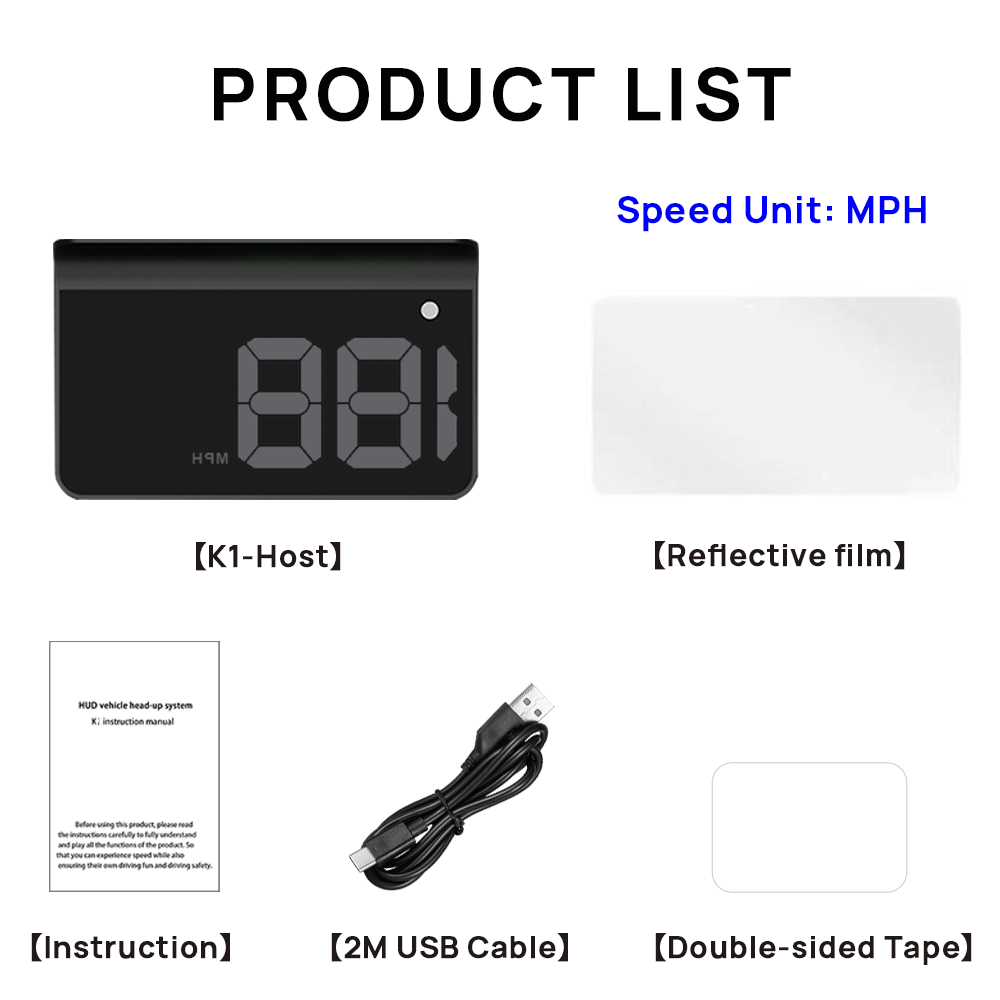
- The K1 HUD only displays MPH, and the speed unit cannot be adjusted
Is this car head up display wireless?
- No. This is a USB-powered car HUD, not a wireless or factory-built system.
Why does the screen sometimes show "__" or no speed?
- This usually means the Car HUD is temporarily not receiving Gps signal. Please drive in an open area with a clear view of the sky.
- Please use our provided cable, not yours. Because the current of the power cord is different
Will it work in tunnels or underground garages?
- This is a GPS-based heads up display for cars, so signal may be temporarly lost in tunnels or underground garages. This is normal for all Gps devices
Why do I see a double image on the windshield?
- This is normal if you aren't using the reflective film.
- Solutions: Clean the area on the windshield and apply the reflective film that came with the HUD. This will focus the projection into a single, clear image.
Can I calibrate the speed reading?
- No. K1 HUD does not support speed calibration.
- The speed is calculated directly from GPS data for simplicity and ease of use.
Your Car Doesn't Have A HUD? Fix That.
👇 👇 👇 Add K1-HUD To Any Car 👇 👇 👇

KUOWEIHUD
K1 Heads Up Display Car HUD Universal GPS Digital Speedometer
Regular price
$15.99 USD
Regular price
$31.98 USD
Sale price
$15.99 USD
Quantity