Night Driving with a HUD: Safer, Smarter, and More Comfortable
Night driving is statistically more dangerous than daytime driving. Reduced visibility, oncoming headlight glare, and fatigue all increase the risk of accidents after dark. Yet millions of drivers commute, travel, and work at night every single day.
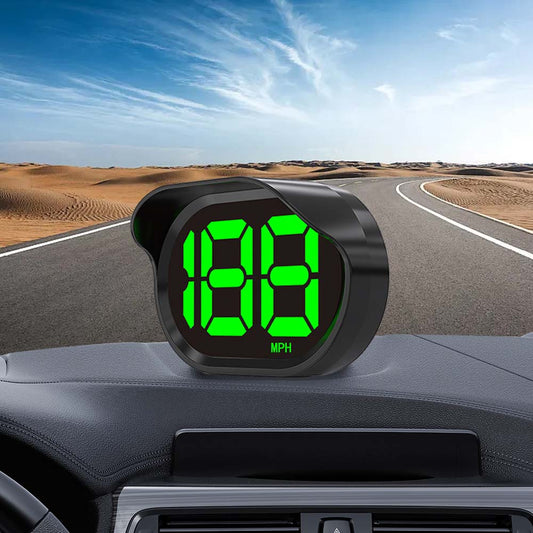
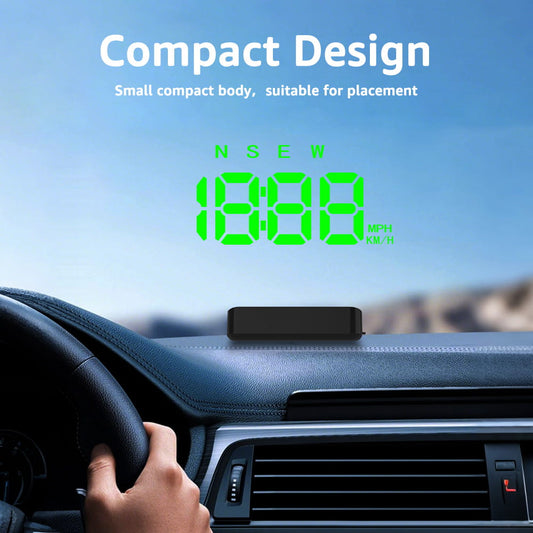
A car Head-Up Display (HUD) won't give you night vision — but it can significantly reduce the cognitive load of night driving by keeping critical information right where you need it: in your line of sight. Here's how a HUD makes night driving safer, smarter, and more comfortable.
Why Night Driving Is More Challenging
Before diving into how a HUD helps, it's worth understanding what makes night driving harder:
- Reduced visibility: Human eyes are less effective in low light, making it harder to judge distances and spot hazards.
- Glare from oncoming headlights: Modern LED and HID headlights can temporarily blind drivers, especially on unlit roads.
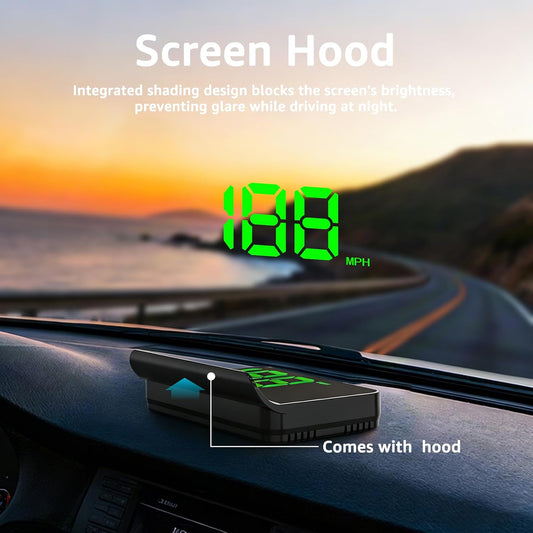
- Dashboard glare: Bright instrument clusters can create reflections on the windshield, reducing forward visibility.
- Fatigue: Night driving often coincides with natural drowsiness, slowing reaction times.
- Speed misjudgment: Without daylight reference points, drivers often underestimate or overestimate their speed.
How a HUD Improves Night Driving Safety
1. Keeps Your Eyes on the Road
Every time you look down at your dashboard at night, your eyes must readjust to the darkness ahead when you look back up. This dark adaptation process takes 3–5 seconds — precious time when driving at speed. A HUD eliminates this by projecting information at the same focal distance as the road, so your eyes never need to readjust.
2. Auto-Dimming Display
Quality HUDs automatically reduce brightness at night to avoid creating a distracting bright spot in your field of vision. This is critical — a HUD that's too bright at night can actually reduce visibility rather than improve it. Look for models with automatic brightness adjustment or manual dimming controls.
3. Speed Awareness in the Dark
Speed misjudgment is a real risk at night. Without the visual cues of daylight — passing trees, buildings, road markings — it's easy to drift above the speed limit without realizing it. A HUD with overspeed alerts keeps you precisely aware of your speed at all times, even on dark, featureless roads.
4. Navigation Without Phone Glare
Using a phone for navigation at night is particularly problematic. A bright phone screen in a dark car creates significant glare and forces your eyes to constantly adjust between the bright screen and the dark road. A HUD projects navigation arrows at low brightness directly in your sightline — no glare, no distraction, no readjustment.
5. Engine Monitoring on Long Night Drives
Long night drives — road trips, overnight hauls, late-night commutes — put extra strain on your vehicle. An OBD2 HUD monitors coolant temperature, battery voltage, and engine health in real time. If something starts to go wrong, you'll know immediately rather than discovering a breakdown on a dark roadside.
Choosing the Right HUD for Night Driving
Not all HUDs perform equally well at night. Here's what to prioritize:
- Auto-brightness adjustment: Essential. The display should dim automatically as ambient light decreases.
- Adjustable color temperature: Some HUDs offer amber or red display options that are easier on the eyes at night than bright white or blue.
- Anti-reflective combiner screen: If you choose a combiner-screen HUD, ensure it has an anti-reflective coating to minimize windshield glare.
- Overspeed alert: A must-have for night driving when speed misjudgment is more common.
Tips for Using Your HUD at Night
- Set brightness to the lowest comfortable level — just bright enough to read clearly without creating a distracting glow.
- Position the display low on the windshield so it doesn't obstruct your view of the road ahead.
- Use amber or red display color if available — these wavelengths are less disruptive to night vision than blue or white.
- Enable overspeed alerts set to your local speed limit before setting off.
Real-World Difference
Drivers who use HUDs consistently report feeling more relaxed and in control during night drives. The reason is simple: information anxiety — the subconscious stress of not knowing your speed or next turn — is eliminated. When everything you need is right in front of you, you can focus entirely on the road.
Final Thoughts
Night driving will always carry inherent risks. But a well-chosen HUD removes one of the biggest contributors to nighttime accidents: distraction from looking away from the road. With auto-dimming, speed alerts, and glare-free navigation, a HUD is one of the smartest upgrades you can make for safer night driving.
Ready to drive smarter after dark? Explore our range of auto-dimming GPS and OBD2 Head-Up Displays — engineered for drivers who take night safety seriously.