How to Choose the Best OBD2 Digital Gauge Display for Your Vehicle
An OBD2 digital gauge display helps drivers monitor important vehicle information in one convenient screen. Depending on the device and vehicle compatibility, it can display data such as vehicle speed, engine RPM, coolant temperature, and other engine parameters. But how do you choose the right one for your car or truck?
1. Check Vehicle Compatibility
Before purchasing an OBD2 gauge display, check whether your vehicle has a compatible OBD2 port. Most gasoline cars and light-duty vehicles sold in the US from 2008 onward support OBD2, but available data may vary by make, model, and year.
2. Choose the Features You Need
Different digital gauge displays offer different functions. Look for the information that matters most to your driving, such as digital speed, RPM, engine temperature, voltage, or warning alerts. A clear display makes it easier to monitor vehicle information at a glance.
3. Look for a Clear, Easy-to-Read Screen
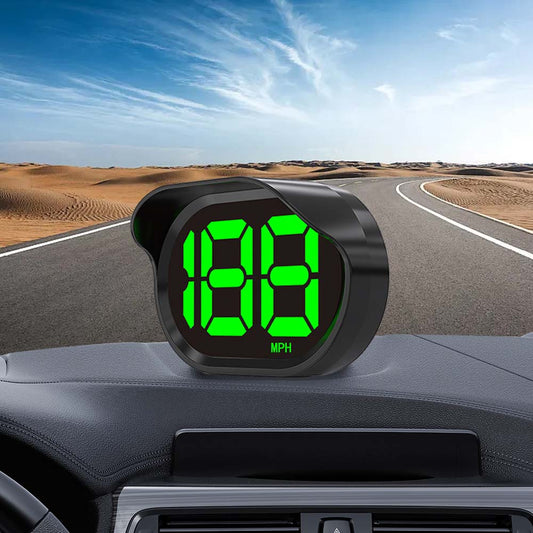
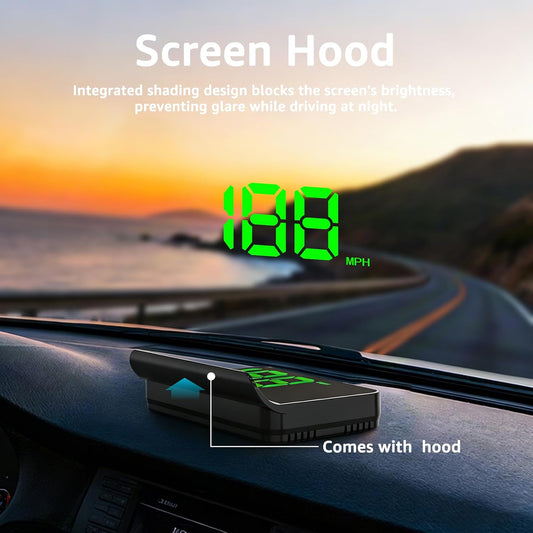
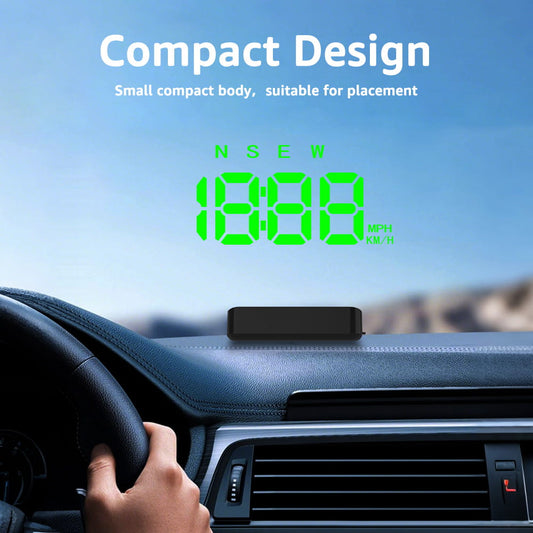
A good digital gauge should be easy to read while driving. Consider screen size, brightness adjustment, viewing angle, and display layout. A well-positioned screen can help you check important information without repeatedly looking down at your dashboard.
4. Consider Installation and Power
Many OBD2 gauge displays use a plug-and-play connection through the vehicle's OBD2 port. Check the cable length, mounting options, and installation instructions before buying. Make sure the display is securely mounted and does not obstruct your view of the road.
5. Understand OBD2 vs. GPS Speedometers
OBD2 displays obtain speed and engine data from the vehicle's onboard system. GPS speedometers calculate speed using satellite signals and generally do not require an OBD2 connection. If you mainly need an additional speed display, a GPS speedometer may be a suitable alternative, especially for older vehicles or vehicles with incompatible OBD2 data.
6. Choose the Right Display for Your Driving Needs
For daily commuting, prioritize readability and essential driving information. For trucks and longer trips, consider a display that offers the vehicle data you actually need. Always verify compatibility and supported functions before purchasing.
Find the Right Digital Gauge with KUOWEIHUD
Choosing the best OBD2 digital gauge display starts with understanding your vehicle, the information you want to monitor, and your installation preferences. Compare available features carefully to find a display that fits your driving needs.
Explore KUOWEIHUD OBD2 Gauge Display to find a convenient way to monitor vehicle information and upgrade your driving experience.