How to Install an OBD2 Gauge Display in Your Car
An OBD2 gauge display lets you monitor vehicle information, such as speed, engine RPM, and coolant temperature, depending on your device and vehicle compatibility. Installing one is usually straightforward and requires minimal tools. Follow this step-by-step guide to get started.
1. Check Your Vehicle's Compatibility
Before installation, confirm that your car has a compatible OBD2 port. Most gasoline cars and light-duty vehicles sold in the US from 1996 onward support OBD2, but available data varies by vehicle. Check your gauge display's compatibility list and user manual before purchasing.
2. Locate the OBD2 Port
The OBD2 port is usually located beneath the dashboard on the driver's side, near the steering column or lower dashboard panel. In some vehicles, it may be behind a small cover. Consult your owner's manual if you cannot find it.
3. Connect the OBD2 Cable
Turn off the ignition before connecting the device. Plug the OBD2 cable into the vehicle's OBD2 port, making sure the connector fits securely. Connect the other end to the gauge display according to the manufacturer's instructions.
4. Mount the Gauge Display
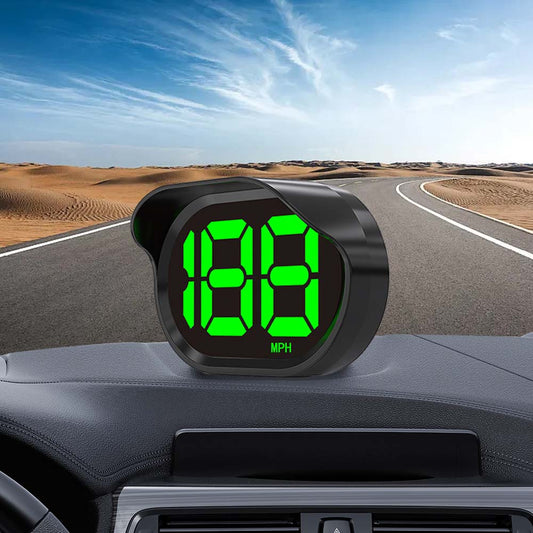
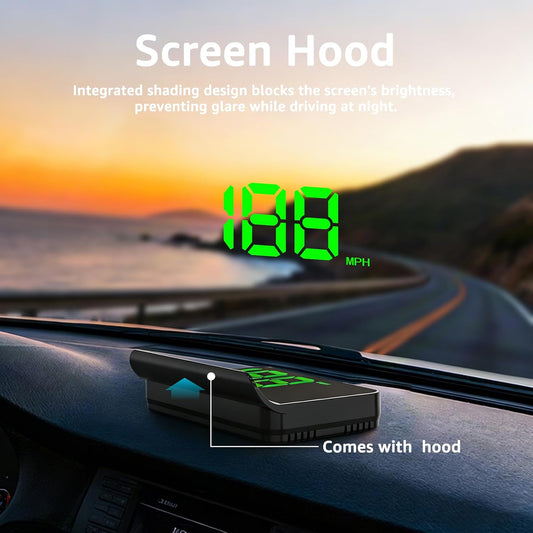
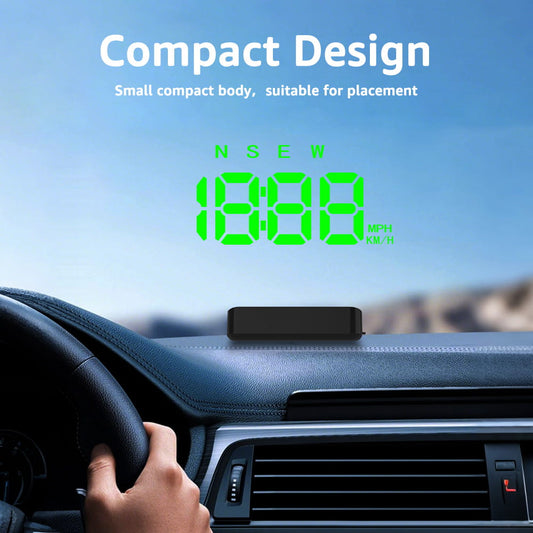
Choose a location on the dashboard where the display is easy to read without obstructing your view of the road, airbags, or essential controls. Secure the unit using its supplied mounting bracket or adhesive. Keep cables tidy and away from pedals and moving parts.
5. Start the Vehicle and Configure the Display
Turn on the ignition and follow the device's setup instructions. Some displays power on automatically, while others may require the engine to be started. Select the available information you want to monitor, such as speed, RPM, or engine temperature, and adjust brightness or units if supported.
If the display does not connect, check the cable connection, ignition status, and vehicle compatibility. Some vehicles may require additional settings or may not support every displayed parameter.
6. Test the Display Safely
Before driving, confirm that the display powers on and shows plausible readings. Compare the displayed information with your factory instruments when possible. If readings appear incorrect or warning lights come on, stop and consult the device manual or a qualified technician.
OBD2 Gauge Display vs. GPS Speedometer
An OBD2 gauge reads supported information from your vehicle's onboard computer, including certain engine parameters. A GPS speedometer calculates speed using satellite signals and generally does not need an OBD2 connection.
If you mainly want a separate digital speed display, a GPS speedometer may be an alternative for vehicles with incompatible OBD2 systems. If you want additional engine data, an OBD2 gauge may better suit your needs.
Upgrade Your Driving Experience with KUOWEIHUD
Installing an OBD2 gauge display can be a simple way to access useful vehicle information. Always check compatibility, follow the manufacturer's instructions, and position the display safely before driving.
Explore KUOWEIHUD OBD2 Gauges to find a digital display that matches your vehicle and driving needs.