OBD2 HUD vs. GPS HUD: What's the Difference and Which Should You Buy?
Shopping for a car Head-Up Display (HUD) and confused by the two main types? You're not alone. OBD2 HUDs and GPS HUDs are both popular choices, but they work very differently and suit different types of drivers. This guide breaks down exactly how each works, what data they display, and which one is the right fit for your daily driving needs.
What Is a GPS HUD?
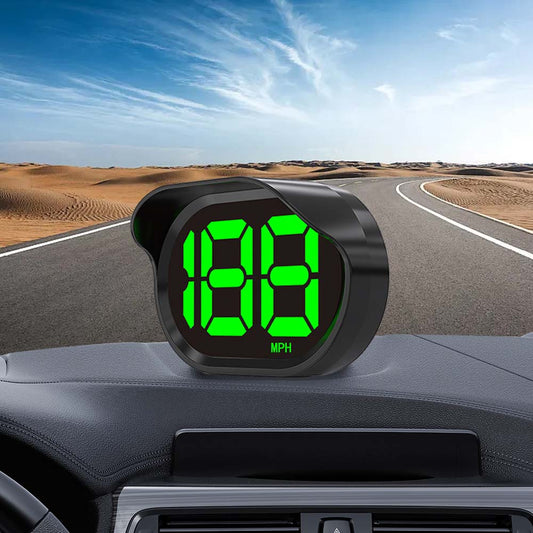
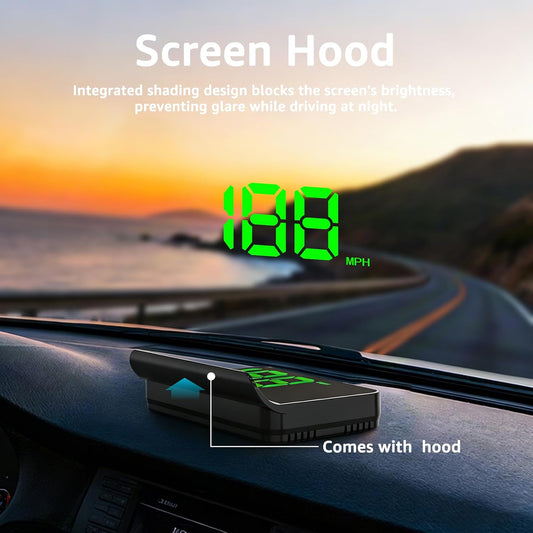
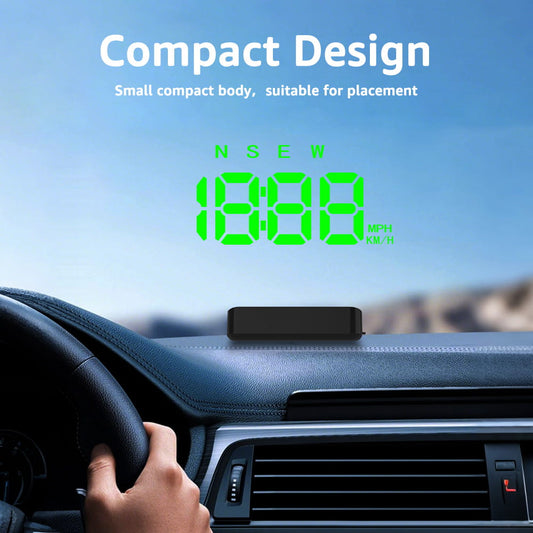
A GPS HUD calculates your speed and position using satellite signals — the same technology your phone's navigation app uses. It projects real-time speed, navigation prompts, and sometimes altitude or heading data onto your windshield or a combiner screen.
How it connects: Powers via your car's 12V cigarette lighter socket. No wiring into the car's systems required.
What it displays:
- True GPS ground speed
- Turn-by-turn navigation (on models with map integration)
- Compass heading and altitude
- Overspeed alerts
- Time and date
What Is an OBD2 HUD?
An OBD2 HUD plugs directly into your car's OBD2 diagnostic port (usually located under the dashboard, near the steering column). It reads live data from your vehicle's Engine Control Unit (ECU) and displays it in your line of sight.
How it connects: Plugs into the OBD2 port. Some models also use a 12V socket for power or display.
What it displays:
- Vehicle speed (from ECU — same as your dashboard)
- Engine RPM
- Coolant temperature
- Battery voltage
- Fuel consumption and efficiency
- Engine fault codes (check engine light diagnostics)
- Turbo boost pressure (on compatible vehicles)
Key Differences: OBD2 HUD vs. GPS HUD
| Feature | GPS HUD | OBD2 HUD |
|---|---|---|
| Speed Source | GPS satellites (true ground speed) | ECU / OBD2 port (same as dashboard) |
| Speed Accuracy | ±1–2 km/h (true speed) | Matches factory speedometer (+2–5%) |
| Works in Tunnels | No (loses GPS signal) | Yes (reads from car directly) |
| Engine Diagnostics | No | Yes (RPM, temp, fault codes) |
| Navigation Support | Yes (some models) | No |
| Installation | Plug into 12V socket | Plug into OBD2 port |
| Compatible With All Cars | Yes | Yes (OBD2 standard since 1996) |
| Price Range | $30–$100 | $40–$150+ |
GPS HUD: Pros and Cons
Pros:
- Shows your true speed — not affected by tire size or drivetrain wear
- Great for navigation-focused drivers
- Simple plug-and-play setup
- Works with any vehicle regardless of age or make
Cons:
- Loses signal in tunnels, underground parking, or dense urban canyons
- No engine data or diagnostics
- Speed may lag slightly during rapid acceleration
OBD2 HUD: Pros and Cons
Pros:
- Rich vehicle data: RPM, temperature, fuel consumption, fault codes
- Works anywhere — no GPS signal needed
- Ideal for performance monitoring and vehicle health tracking
- Speed reading is consistent with your dashboard
Cons:
- Speed inherits the factory calibration offset (reads slightly high)
- No navigation or mapping features
- Compatibility can vary on older or non-standard vehicles
Which Should You Buy?
Choose a GPS HUD if you:
- Want to know your true, accurate ground speed
- Frequently drive in unfamiliar areas and rely on navigation
- Have a modified vehicle with non-stock tire sizes
- Want a simple, no-fuss setup
Choose an OBD2 HUD if you:
- Want real-time engine diagnostics alongside speed
- Drive frequently in tunnels or areas with poor GPS reception
- Are a performance driver who monitors RPM and boost pressure
- Want to catch engine issues early with fault code alerts
Want the best of both worlds?
Some advanced HUD models combine GPS and OBD2 connectivity, giving you true speed accuracy AND engine diagnostics in one device. These are ideal for drivers who want maximum information without compromise.
Final Verdict
Neither type is universally "better" — it comes down to what matters most to you as a driver. For navigation and true speed accuracy, go GPS. For engine health and diagnostic data, go OBD2. For everything, look for a hybrid model.
Whatever you choose, a HUD keeps critical information in your line of sight — making every drive safer and smarter.
Browse our full range of GPS HUDs and OBD2 HUDs to find the perfect match for your vehicle and driving style.